See it in action
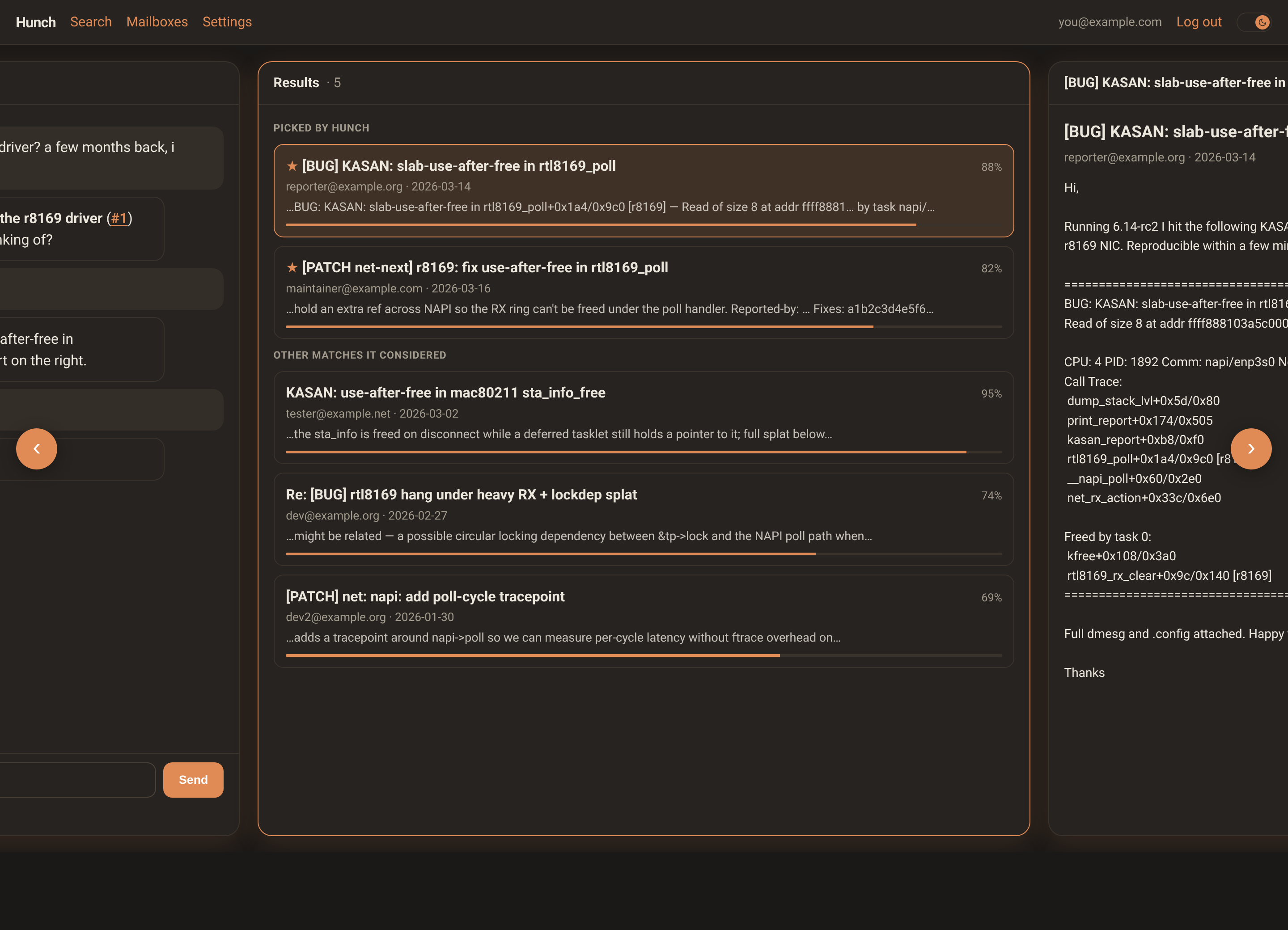
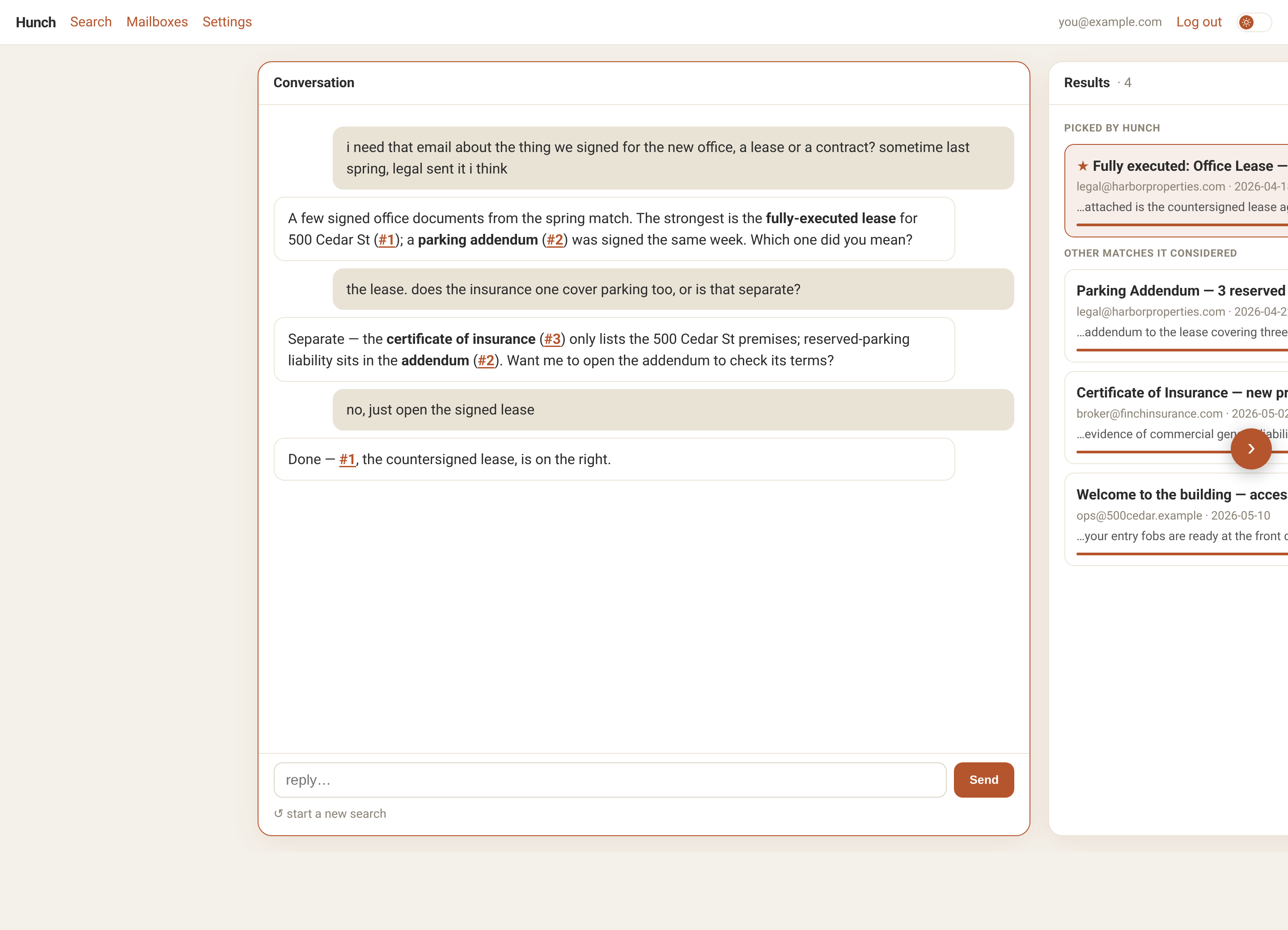
Vague in, the right email out — the conversation, live-ranked matches, and the email itself, side by side.
Search your inbox by a hunch
You rarely remember the words in an email — you remember the gist. Hunch is built for the gist.
1
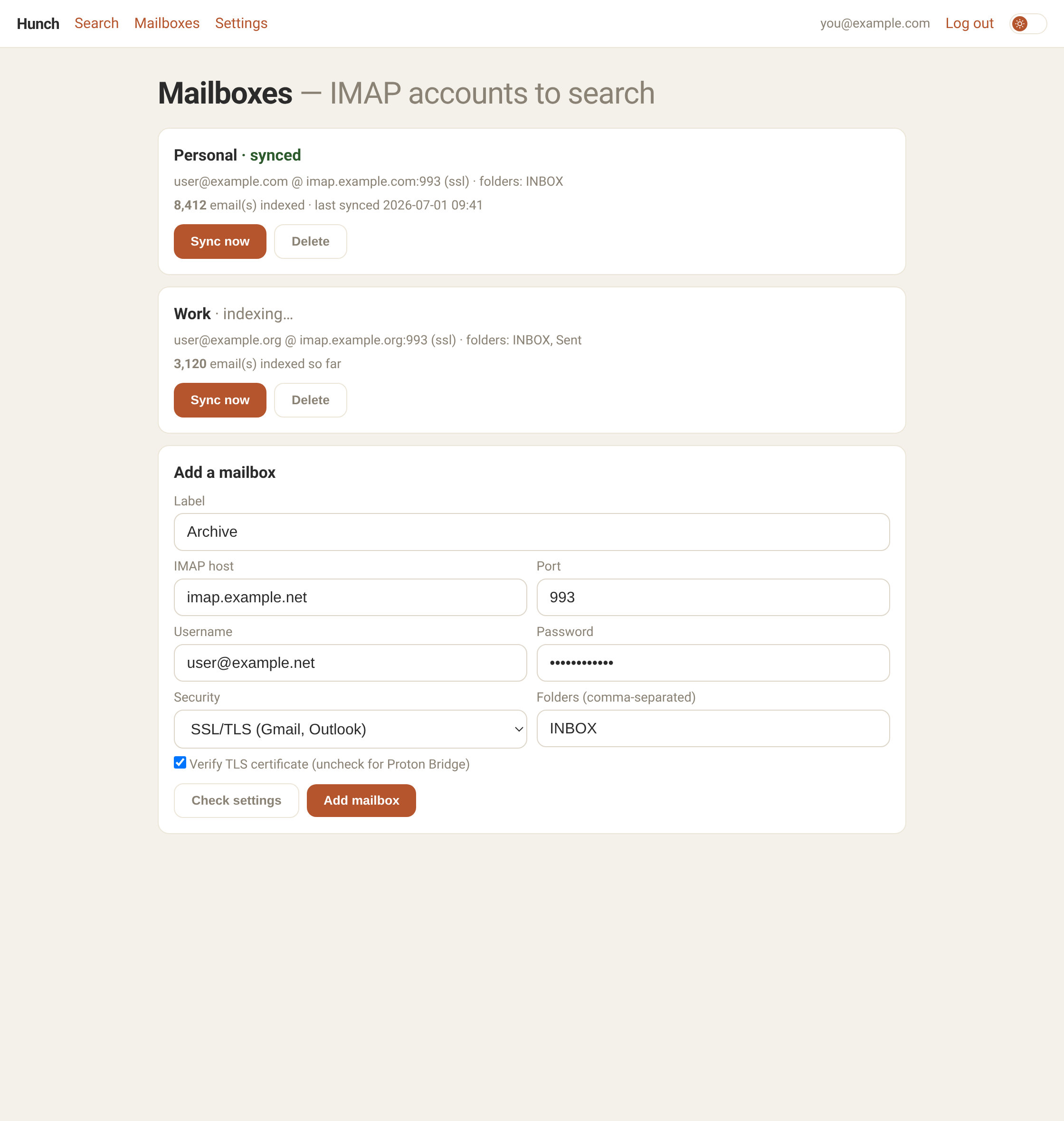
Connect a mailbox
Any IMAP account — Proton, Gmail, Outlook. Your credentials are encrypted.
2
Indexed privately
Hunch indexes your mail on your own machine. Nothing is shipped off to an embedding service to be read.
3
Ask in plain language
"The document the bank sent about my mortgage." An AI agent searches, and asks a short question if it's unsure which one you mean.
4
Read it in place
Matches stream in and re-rank as it searches; click one to read it right beside the conversation. Read-only, always.
What it is — and isn't
It is
- Conversational search over your own mail — by meaning, not keywords
- Private: your emails and their index stay on your machine
- Bring your own model — Anthropic, OpenAI, or Ollama to run it locally with no key
- A read-only viewer for the emails it finds
It isn't
- An email client
- Sending or replying to mail
- Folder management or inbox triage
- A hosted service that reads your mail in the cloud
Dig deeper
Hunch is open source and self-hosted. Here's how it works under the hood and how to run your own.